> ## Documentation Index
> Fetch the complete documentation index at: https://moengage-add-partner-guide-reddit-ads-conversions.mintlify.site/llms.txt
> Use this file to discover all available pages before exploring further.
# What Does the Verification of a Custom Domain Fail?
> Resolve custom domain verification failures in MoEngage SMS settings by configuring the correct CNAME record in your DNS to point to MoEngage.
## Problem
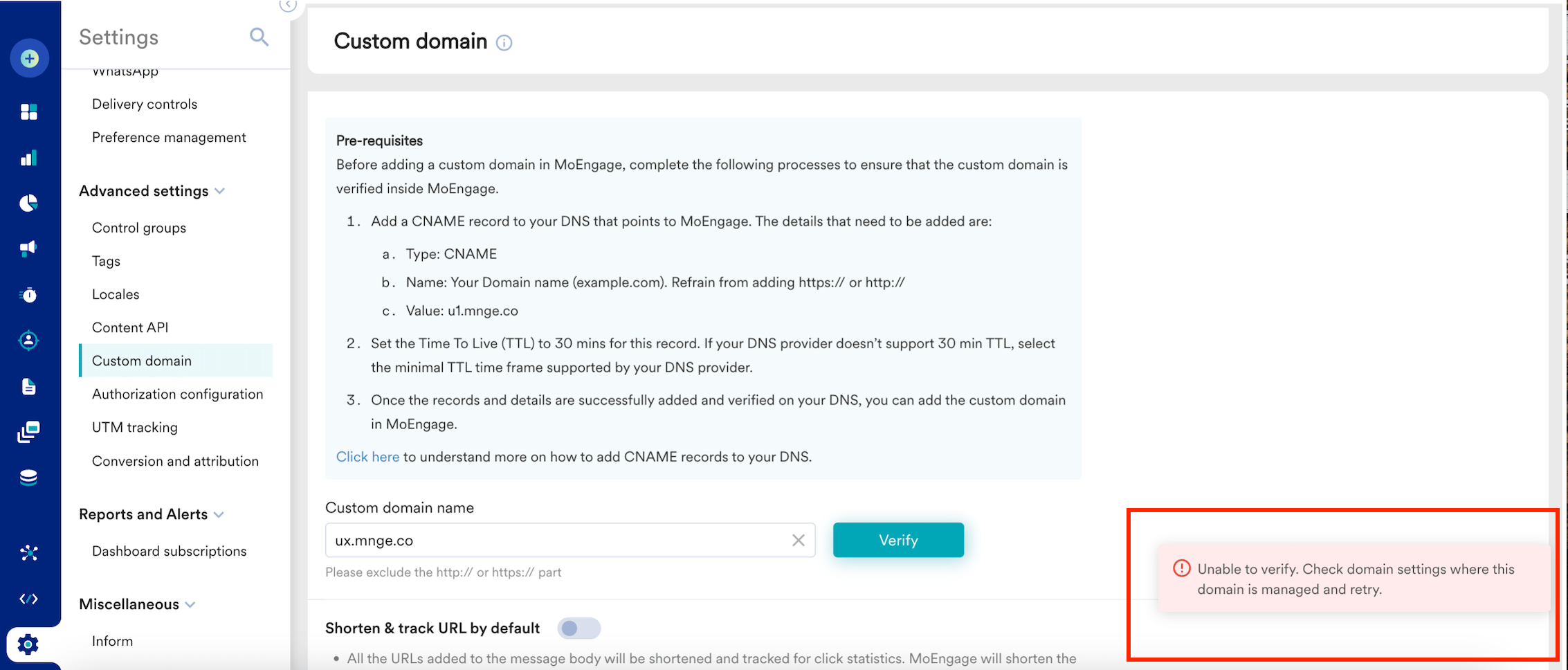
When attempting to verify a domain added at **Settings** > **Advanced settings** > **Custom domain**, the following message is displayed:
Unable to verify. Check the domain settings where the domain is managed and retry.
 ## Solution
Perform the following steps:
1. Get the domain you want to add as a custom domain.
2. Ensure the domain has the correct Canonical Name (CNAME) values configured.
3. Add a CNAME record in your Domain Name System (DNS) settings, pointing to the MoEngage domain.
4. Use the appropriate CNAME value based on the cluster you are on.
## Example
For instance, CNAME value: ux.mnge.co (X stands for the cluster).
## Solution
Perform the following steps:
1. Get the domain you want to add as a custom domain.
2. Ensure the domain has the correct Canonical Name (CNAME) values configured.
3. Add a CNAME record in your Domain Name System (DNS) settings, pointing to the MoEngage domain.
4. Use the appropriate CNAME value based on the cluster you are on.
## Example
For instance, CNAME value: ux.mnge.co (X stands for the cluster).
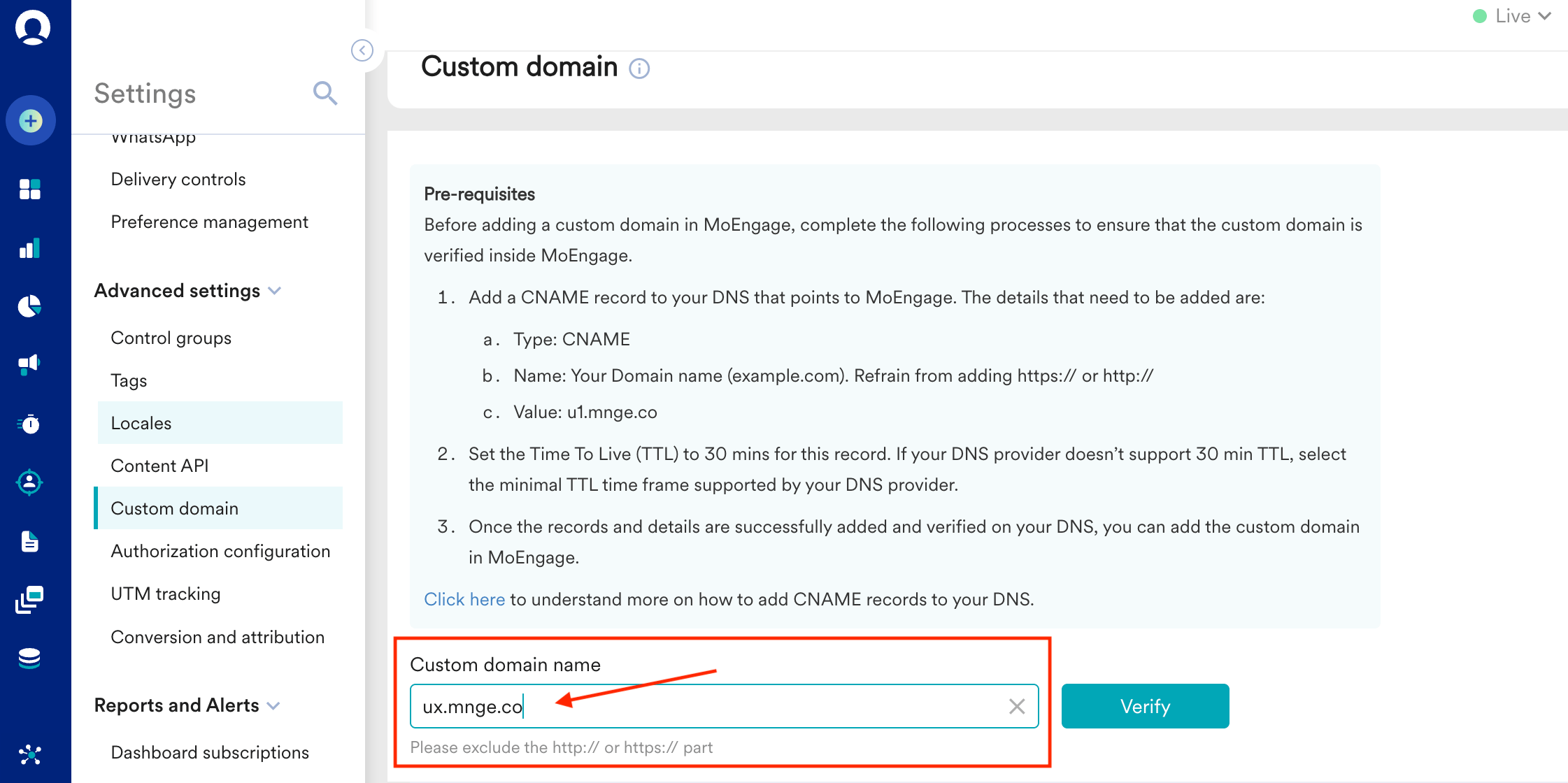 To find the name values of a custom domain, you can use methods such as nslookup or free online tools such as [CNAME LOOKUP - MxToolbox](https://mxtoolbox.com/CNAMELookup.aspx) and [DNS Lookup](https://www.nslookup.io/).